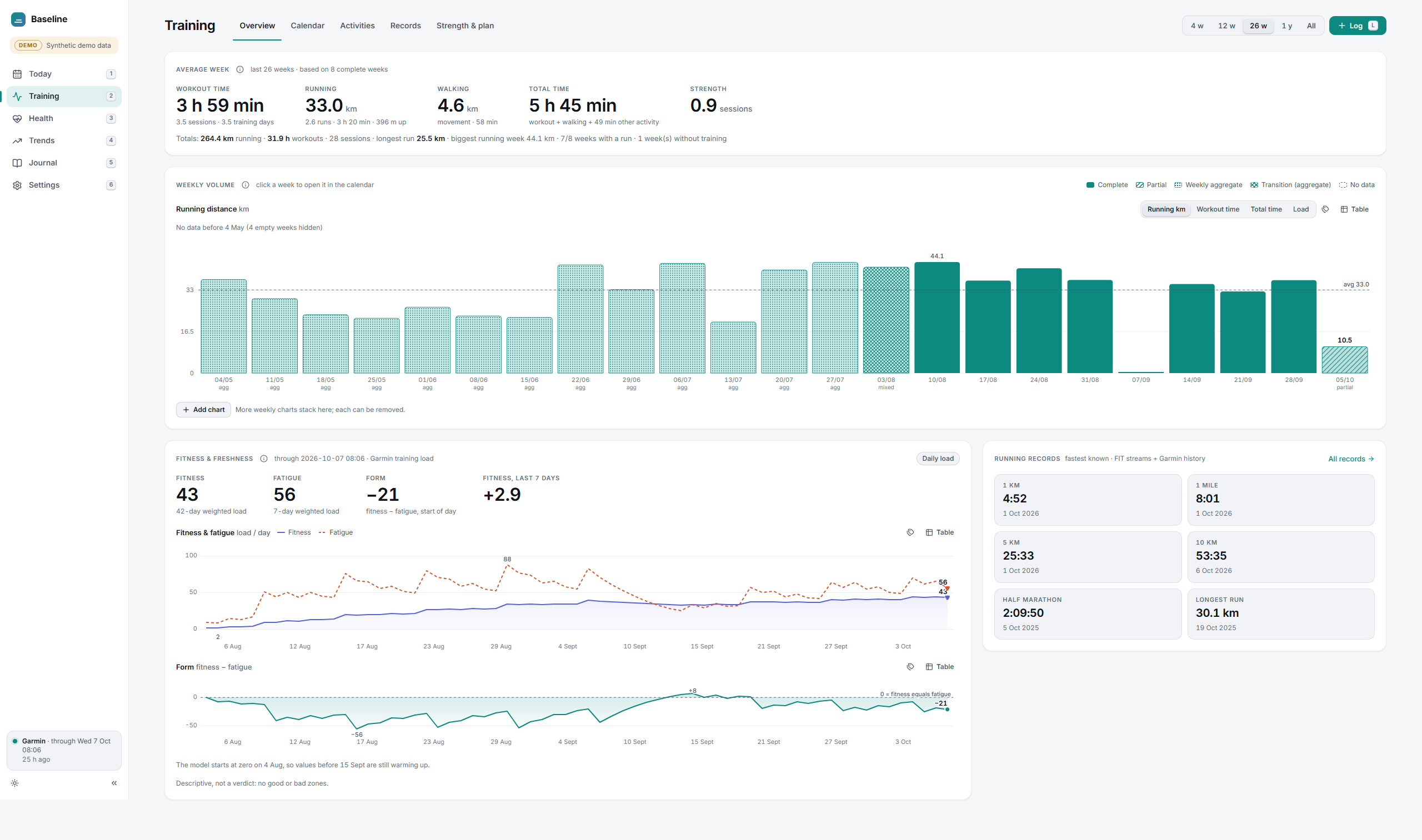
My watch collects a lot of data. The apps around it mostly turn that into scores: readiness, recovery, a number out of 100. I wanted to see the actual numbers instead, where each one comes from, and how they change over weeks and months.
So I built Baseline. It’s a local app that reads the files my Garmin sync already writes, and shows training, sleep and recovery side by side.
Decisions that shaped it
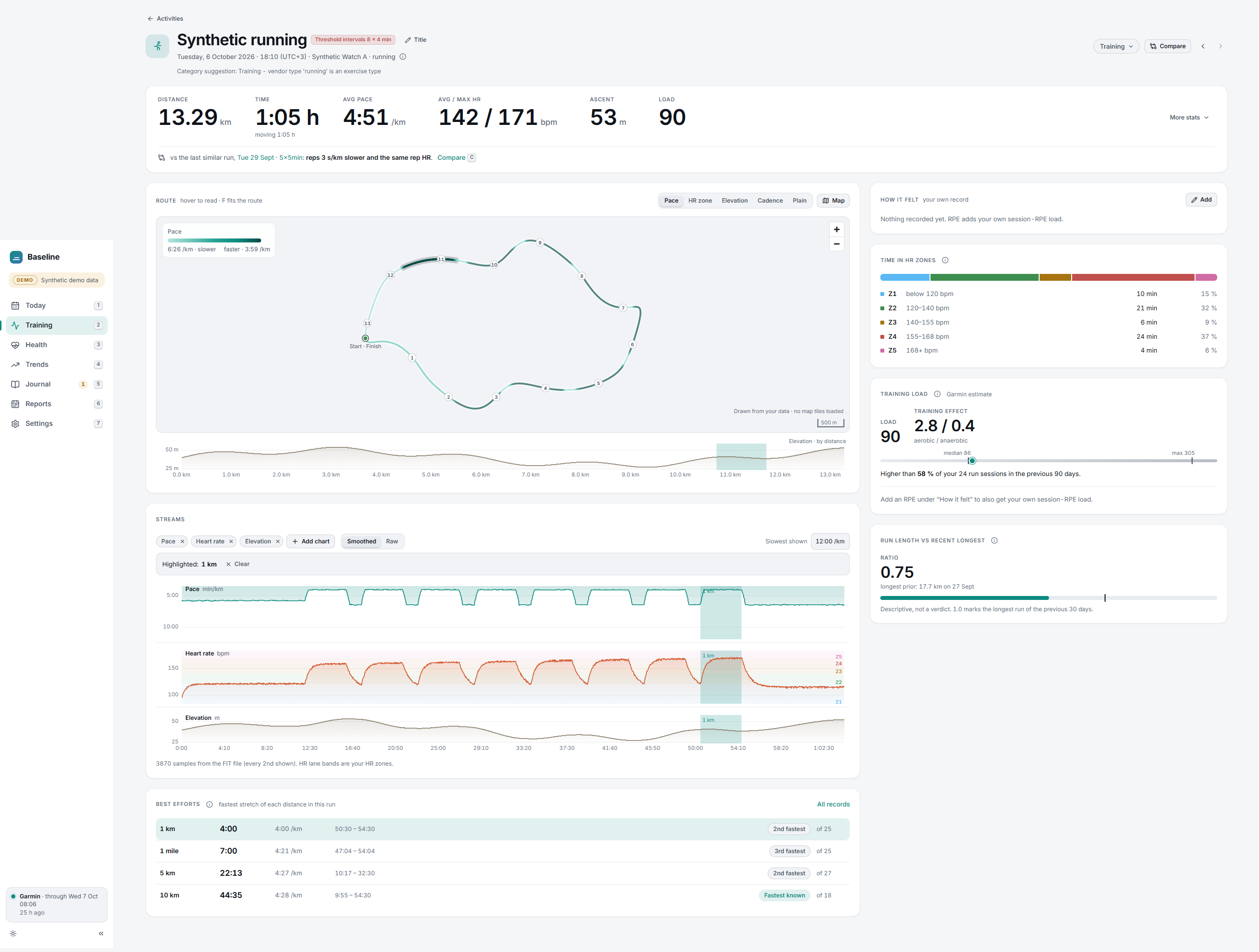
No scores. There are no readiness scores, streaks, badges or traffic lights. They feel helpful, but they hide how the number was made, and they’re easy to over-trust.
Every number explains itself. Each value has a small “how calculated” note: the inputs, the time window, how many days of data it had and which device recorded it. If two devices disagree, it says so instead of averaging them.
Not a medical device. Baseline describes, it doesn’t diagnose or predict injuries. That’s a product choice and a regulatory one: staying a training log keeps it clearly outside medical device rules.
My data stays on my computer. The app runs locally. I also built a browser-only version where you drop in your whole Garmin export and nothing is uploaded anywhere. On my own export (about three years of data), the summaries are ready in about a second and all 12,461 workout files are read in about a minute.
What I learned
- Data quality took most of the time. Device changes, time zones when travelling and half-synced days all show up in real data, and the app has to show them honestly instead of hiding them.
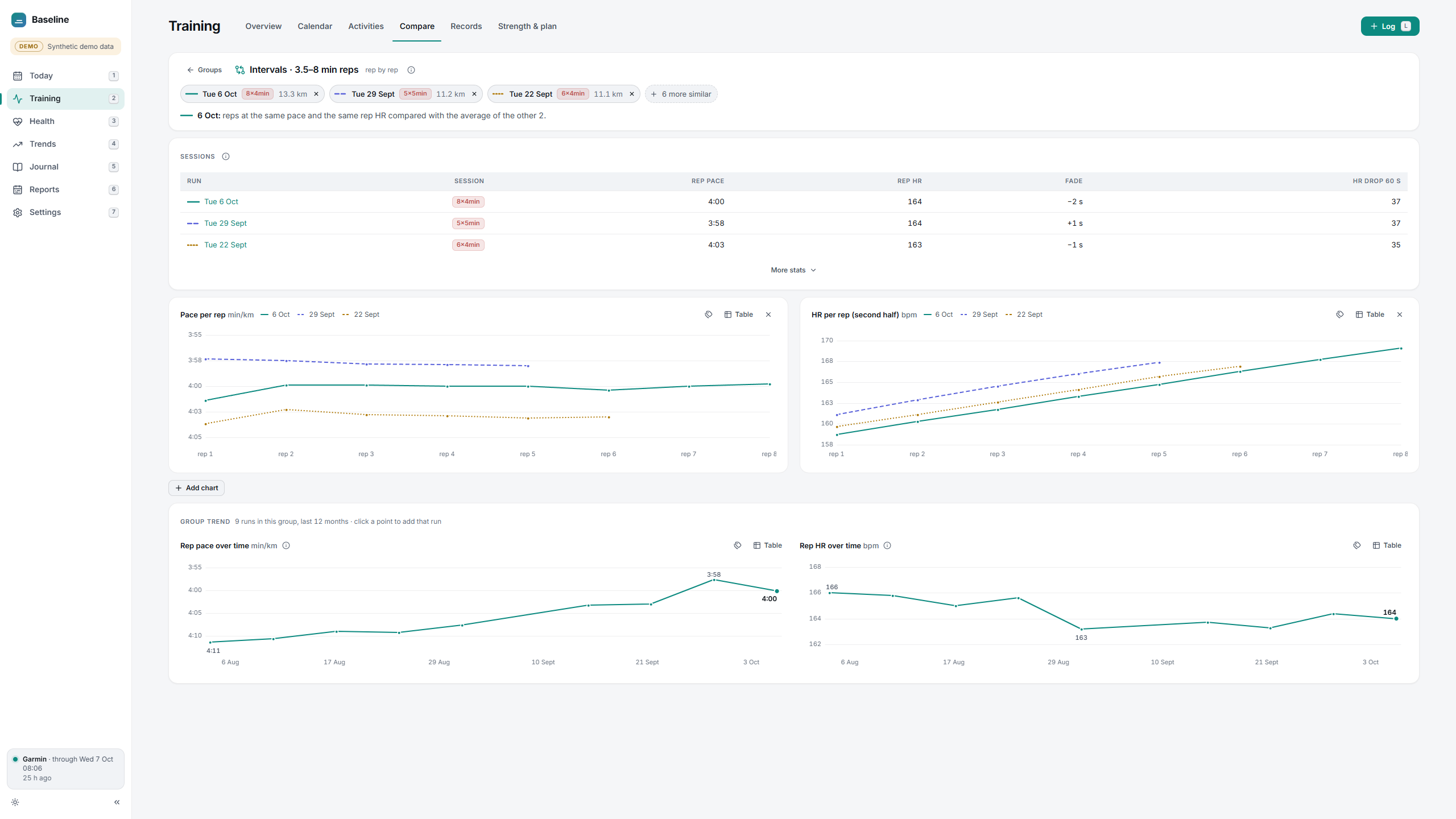
- The default view mattered more than adding features. I ended up showing the most useful thing first and putting everything else one click away.
- Building with AI coding agents is fast, but it needs clear rules, tests and small steps. The project has a test suite and a written decision log for that reason.
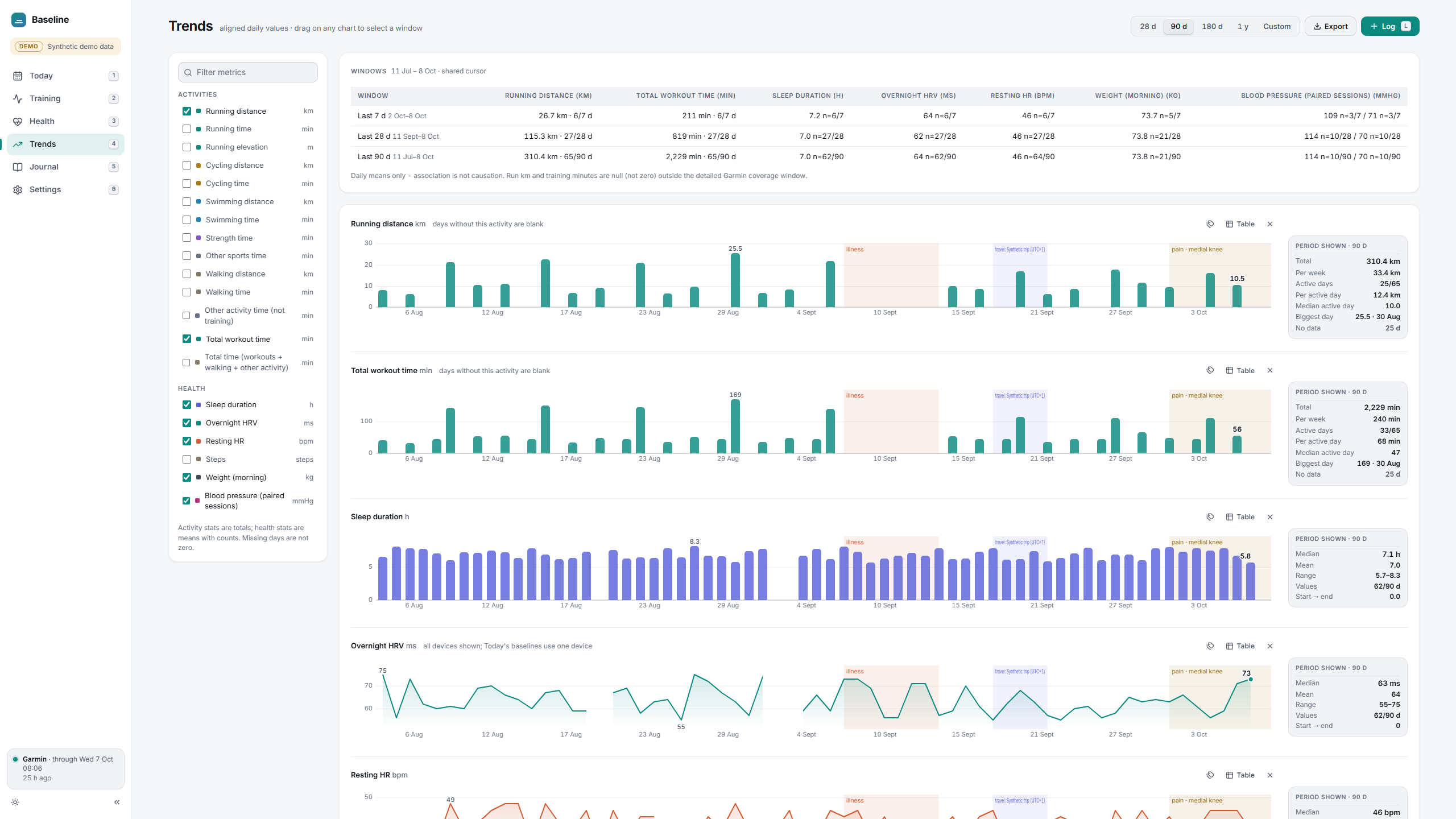
The code isn’t public yet. Screenshots on this page use synthetic demo data, not mine.